
The proper folder structure for a Visual Studio C++ project API depends on the specific requirements and organization of the project.
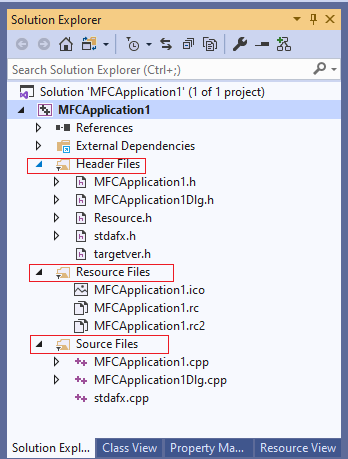
However, here is an example of a general folder structure that could be used for a C++ API project:
src: This folder contains the source code for the API. It can be further divided into subfolders for different components of the API, such asheaders,implementation, andtests.headers: This folder contains the header files for the API. These files define the public interface of the API and should be included in the project's include path.implementation: This folder contains the implementation files for the API. These files should not be included in the project's include path.tests: This folder contains the unit tests for the API. This folder can be further divided into subfolders for different components of the API.docs: This folder contains the documentation for the API, such as user guides and API references.lib: This folder contains any third-party libraries that the API depends on.bin: This folder contains the compiled binary files for the API, such as the dynamic or static library, and any executables.include: This folder contains any third-party headers that the API depends on.config: This folder contains any configuration files that are used by the API.
It's worth noting that this is a general example and you can adapt it to your specific project needs. It's also important to maintain a clear and consistent naming convention for files and folders, to make it easy for other developers to understand and navigate the project.


No comments:
Post a Comment